


I am not gonna tell you about LinkedIn Carousels. If you’ve spent any time on LinkedIn lately, you know better than me that “Document” post, better known as Carousels. We are gonna talk about the 10 Best AI tools for LinkedIn carousels in 2026.
In 2026, text-only posts are struggling, but carousels are driving 3x more dwell time and higher engagement. Now, the problem enters one’s life. Specifically, designing a 10-slide carousel from scratch is going to take about 5-7 days or more. Indeed, it involves a messy mix of ChatGPT for the script, Canva for the design, and, ultimately, a prayer that the export doesn’t look blurry. Ha Ha Ha.
Recently, I have been applying the Peacock approach to get the job. During this process, I seriously needed a LinkedIn carousel generator. Fortunately, I met with PostNitro, which turned out to be a game-changer for me. Ultimately, that’s all it took, and my life became easy. As a result, I successfully landed a job.
Best AI Tools For LinkedIn Carousels
- PostNitro
- aiCarousels
- Taplio
- Supergrow
- Canva Magic
- Postiv.ai
- Contentdrips
- Picktochart AI
- Authored Up
- Socialsonic
Quick Comparison
| Tool | Best For | AI Content Generation | Branding / Customization | Pricing (Starts at) |
| 1. PostNitro | Pure Speed | ✅ High (Bulk Slides) | ✅ Templates + Brand Kits | Free ($20/mo Unlimited) |
| 2. aiCarousels | Visual Design | ✅ High (Refined Copy) | ✅ Advanced Design Kits | Free ($15/mo Pro) |
| 3. Taplio | Growth Strategy | ✅ Elite (Viral Library) | ✅ Professional | $39/mo (Standard) |
| 4. Supergrow | Personal Branding | ✅ Elite (Voice Learning) | ✅ High Customization | $19/mo (Starter) |
| 5. Canva Magic | Creative Teams | ✅ Moderate (Magic Switch) | ✅ Infinite Flexibility | Free ($15/mo Pro) |
| 6. Postiv.ai | B2B Lead Gen | ✅ High (AIDA focused) | ✅ Professional B2B | $99/mo (Pro) |
| 7. Contentdrips | Daily Posting | ✅ High (Multi-source) | ✅ Continuous Canvas | Free ($15/mo Starter) |
| 8. Piktochart AI | Data & Charts | ✅ Moderate (Data-to-AI) | ✅ Infographic Style | Free ($24/mo Pro) |
| 9. AuthoredUp | Writing Workflow | ❌ (Writing Assist Only) | ✅ Text Formatting | $19/mo (Individual) |
| 10. Socialsonic | Total Beginners | ✅ High (Guided AI) | ✅ Standard Templates | Free ($20/mo Pro) |
Now let’s get the deep dive, but wait, if you are finding this blog post helpful, then please share and comment.

10 Proven Revolutionary AI Tools for Software Developers 2026
Please Read More Blogs From My Site.
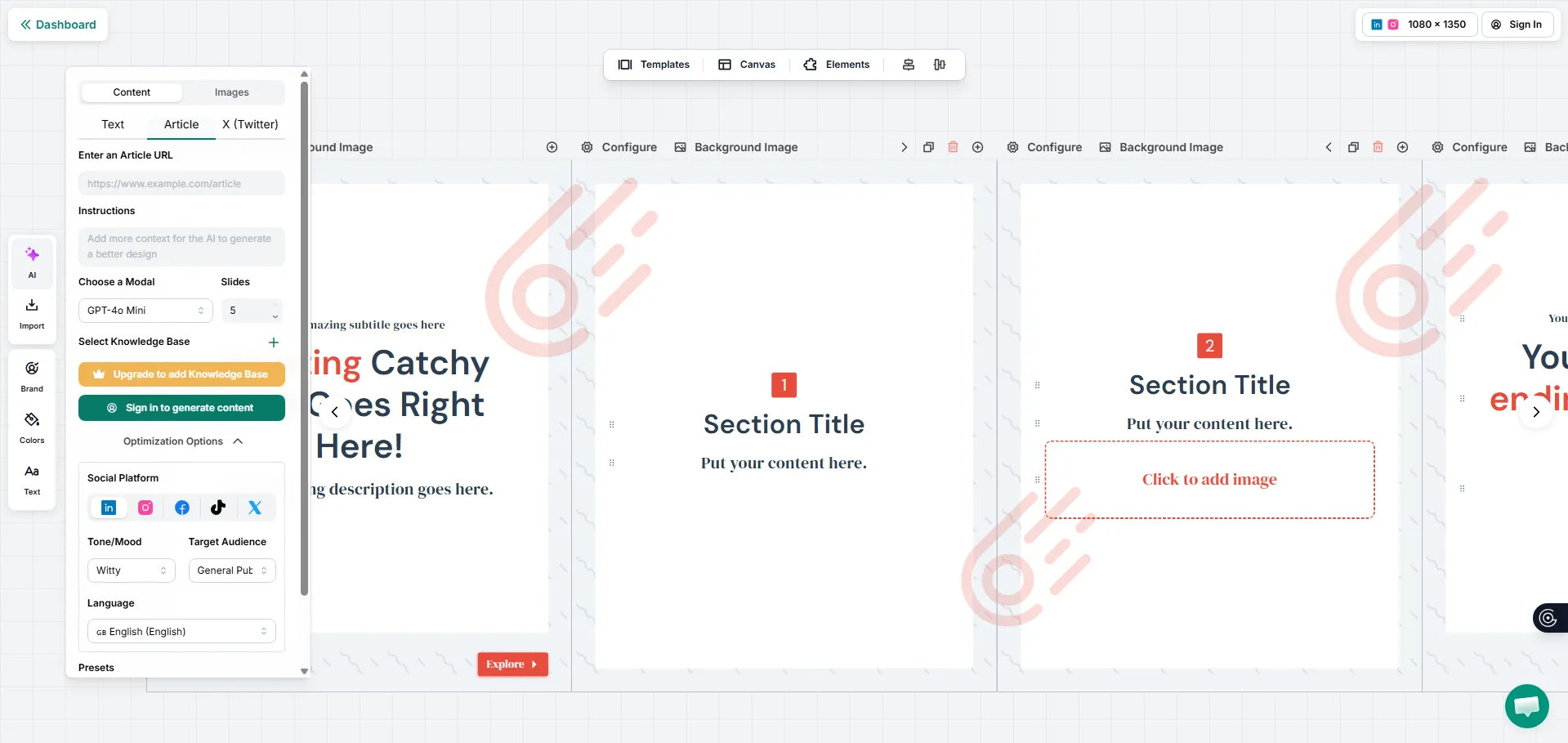
PostNitro
PostNitro tool has quickly become my go-to for “emergency” content. Specifically, you simply have to drop a link of any blog post or a YouTube video, and, as a result, boom, it generates a 10-slide carousel with a hook. Ultimately, it streamlines the content creation process, making it incredibly convenient. I love it because it does not just write text, it adds the soul to your carousel.
- One-Click AI Generation
- Smart Layout Engine
- Bulk PDF Export
- Brand Kit Sync
aiCrousels
Now, in the second place, aiCrousels come. If you’re worried about your crousels looking/design. It is the answer; therefore, you should definitely visit it once. Moreover, it offers the most refined templates in the market.
- Hand-Drawn Styles
- Auto-Resize Elements
- AI Hook Generator
- Platform Multi-Select
Taplio
Taplio tool is more than just a design tool. You can say that it is a LinkedIn growth suite. In fact, it uses AI to scan your previous high-performing posts and suggest new carousel ideas. Additionally, it boasts a large library of viral carousels that you can “remix.” This combination of features allows you to enhance your content strategy effectively.
- Viral Content Library
- Remix Feature
- Relationship Management
- Advanced Scheduling
Supergrow
Most AI tools sound like… well, AI. However, SuperGrow is different, bro. It allows you to upload your previous writing samples, and as a result, it learns from your “voice,” whether you are witty, professional, or direct. Consequently, you are gonna feel like you have a voice to counsel experience here.
- AI Voice Learning
- Voice-to-Crousel
- Idea Swipe File
- Continuous Canvas
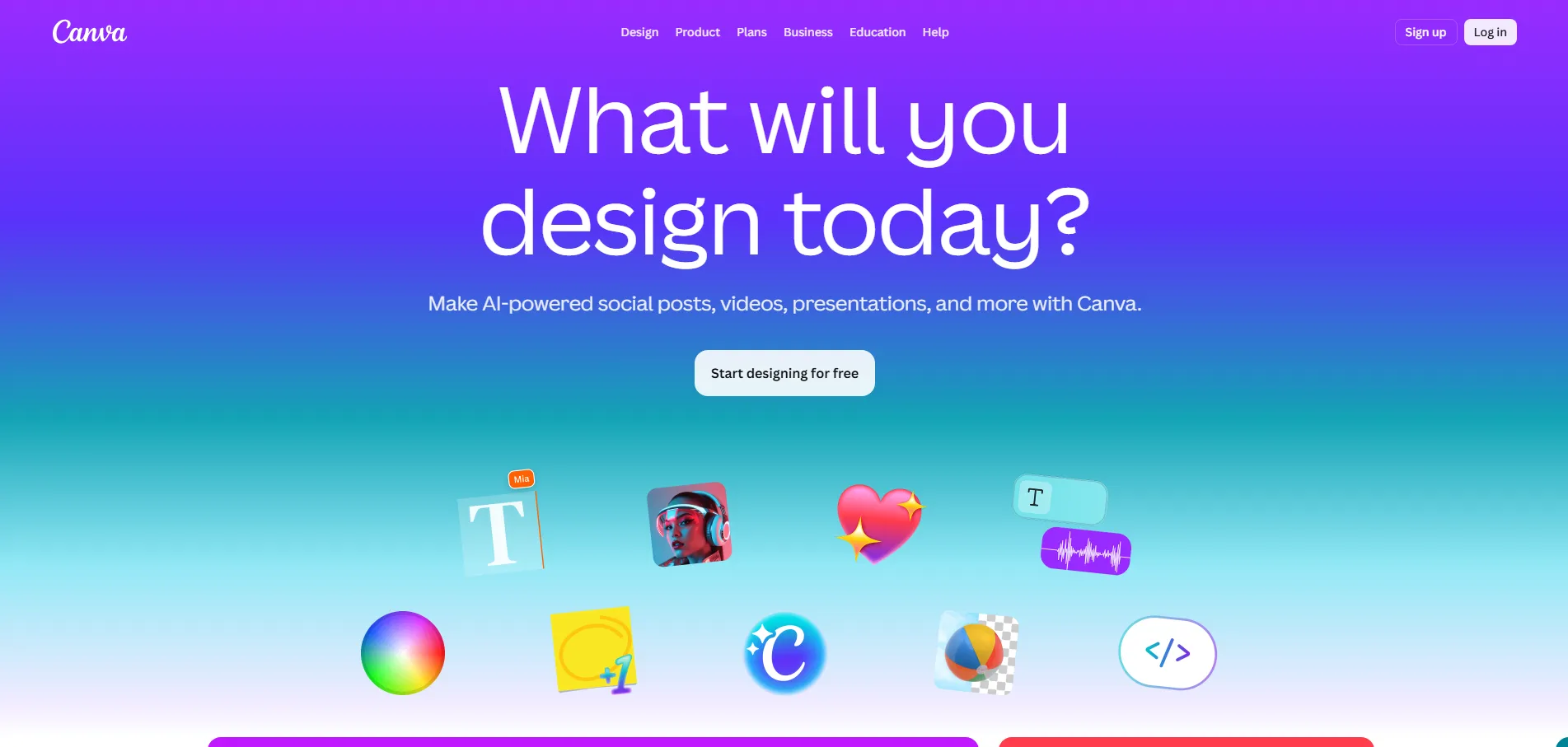
Canva Magic Studio
Canva is no longer just a simple drag-and-drop design tool; rather, it has evolved into a powerful platform with advanced features. Specifically, its new magic switch and magic media tools significantly enhance the user experience. For instance, with just a few clicks, you can seamlessly transform a single Instagram post into an optimized LinkedIn carousel. Moreover, this innovative capability allows you to maintain your branding while adapting your content for different audiences. Consequently, you save time and effort, all while ensuring that your designs are not only visually appealing but also appropriately tailored for each social media platform. Overall, Canva’s enhancements truly represent a leap forward in the realm of content creation and design.
- Magic Switch
- AI Image Generator
- Magic Morph
- Collaboration
Postiv.ai
Postiv.ai focuses on B2B content. It is basically for those who want to get sales or customers out of the carousels. If your goal is lead generation, then this tool is best for you becuase if provides a framework like AIDA (Attention, Interest, Desire, Action) for every carousel.
- B2B Content Frameworks
- Lead Attribution
- Content Planner
- Team Workspaces
Contentdrips
This is the tool that is built for those people who post daily. The program has a “Continuous Canvas” feature, which notably makes the transition between slides look seamless. Furthermore, it provides a high-end design trick that typically requires Photoshop. Overall, this functionality greatly enhances the user experience.
- Match My Style Tool
- URL to Slide
- Fast Export
Piktochart AI
I see that you are an analyst or a founder sharing data. If that is the case, then I highly recommend Picktochart as the best partner for you. Specifically, it takes raw CSV data or Excel sheets and, as a result, transforms them into beautiful, easy-to-read charts within your carousel slides.
- Data Visualization AI
- Infographic Templates
- Interactive Preview
- PDF/PNG High Resolution
Authored Up
You love Chrome extensions, then Authored Up is for you. It acts like a Chrome extension while it focuses on text; its carousel previewer is unmatched. If you want to see how your PDF will look on mobile vs desktop before you ever hit “post,” then feel free to add it to your Chrome extensions collection.
- Readability Scorer
- 200+ Hook Templates
- Side By Side Preview
- Draft Versioning
Socialsonic
This tool is specifically designed for beginners. Therefore, if you are brand new to LinkedIn, Socialsonic offers a helpful feature called “Guided Mode.” In this mode, it not only asks you about your goal but also provides you with a ready-to-use carousel. As a result, you can easily create engaging content tailored to your needs.
- Guided Creation Mode
- Multi-Language
- Integrated Analytics
That’s all about the 10 Best AI Tools for LinkedIn carousels. Now, to delve deeper into this topic, let’s transition to discussing some frequently asked questions that often arise regarding the best AI tools for creating engaging LinkedIn carousels. This exploration will not only clarify common doubts but also provide valuable insights for those looking to enhance their carousel content efficiently.
Yes, LinkedIn carousels are better than images because carousels receive roughly 30-45% more reach. After all, they encourage “swiping”, which gives the platform a signal that your content is high-quality.
The 4:5 aspect ratio, specifically at 1080×1350 pixels, is regarded as the gold standard in various fields, particularly in photography and social media. This particular dimension not only allows for excellent image quality but also ensures that the composition of the photo captures attention effectively. Furthermore, when images are formatted in this ratio, they are optimized for visual appeal, making them more engaging for viewers.
The short answer is yes; indeed, tools like PostNitro and aiCrousels offer very generous free tiers. Consequently, you can generate 2-3 high-quality carousels per month quite easily.


amazing guide about the ai tools for the LinkedIn carousels
I’ve been cobbling together LinkedIn carousels the hard way—ChatGPT script, Canva design, hoping the export doesn’t turn out blurry. This is exactly the kind of thing I need to stop doing. Sounds like PostNitro or aiCarousels could cut that down from days to hours, which would be huge for keeping content consistent. By the way, I run Sell Lemons Info, a comprehensive Roblox Sell Lemons simulator guide with promo codes, profit calculator, and tier lists—feel free to check it out.