


Best AI spreadsheet tool for combining spreadsheets in 2026 feels like searching for the needle in a haystack – especially when you want to do it for free. I’ve been there staring at two different clients’ files. Please don’t think I have so many clients. It’s just that I have two different sheets. I was wondering at that time why I had two files and why this client never replied to my message.
I don’t want to do that manually in 2026, I want some AI tools do that for me. Manual copy-pasting is a relic of the past. AI has also entered this fizzy matching and tedious structural alignment.

Blogs
After reading this blog on the Best AI spreadsheet Tool For Combining Sheets and Numbers Feel free to read my other blogs.
If you are also in the same situation as me at that time. Welcome to the right post where I am gonna tell you about the 10 best AI spreadsheet tools for comdining spreadsheet, free or paid, especially for combining numbers. Comment to me if you know more tools like that.
10 Best AI Spreadsheet Tools for Combining Spreadsheet and Numbers
1st Tool. Rows.ai
Rows.ai has disrupted the market by being a “connected” spreadsheet. Instead of just being a grid, this tool acts as a hub.
- How it combines: It features a built-in AI Analyst that can ingest multiple data sources (like Google Sheets, Excel, and even Stripe or Facebook Ads) and merge them into a single table.
- The Free Tier: Rows offers a very generous free plan that includes 10,000 integration tasks per month and access to their AI capabilities.
- Best for: Users who want to automate the flow of data from different apps into one master sheet.

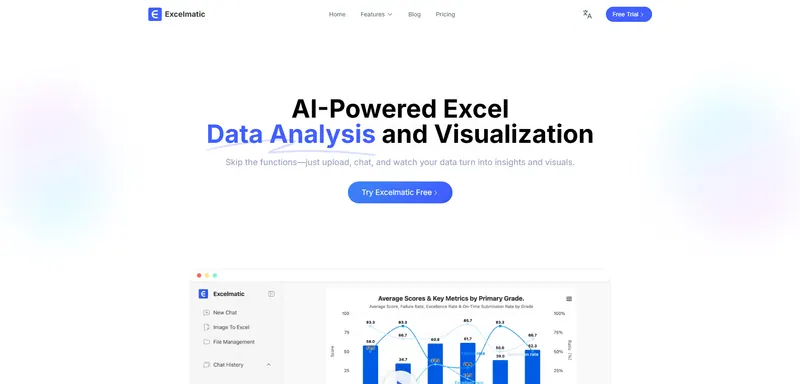
2nd Tool. Excelmatic
Excelmatic is specifically designed for one thing: merging. This tool uses a conversational interface, meaning you don’t need to know formulas.
- How it combines: You upload your files and simply type, “Combine these three spreadsheets by the Email column, and after combining these files, remove any duplicates.” This AI spreadsheet tool handles the schema mapping (aligning columns) automatically.
- The Free Tier: They offer a “Free Forever” tier for small files and occasional merges, making it perfect for one-off projects.
- Best for: Non-technical users who want to “talk” to their data rather than code it.
3rd Tool. Numerous.ai
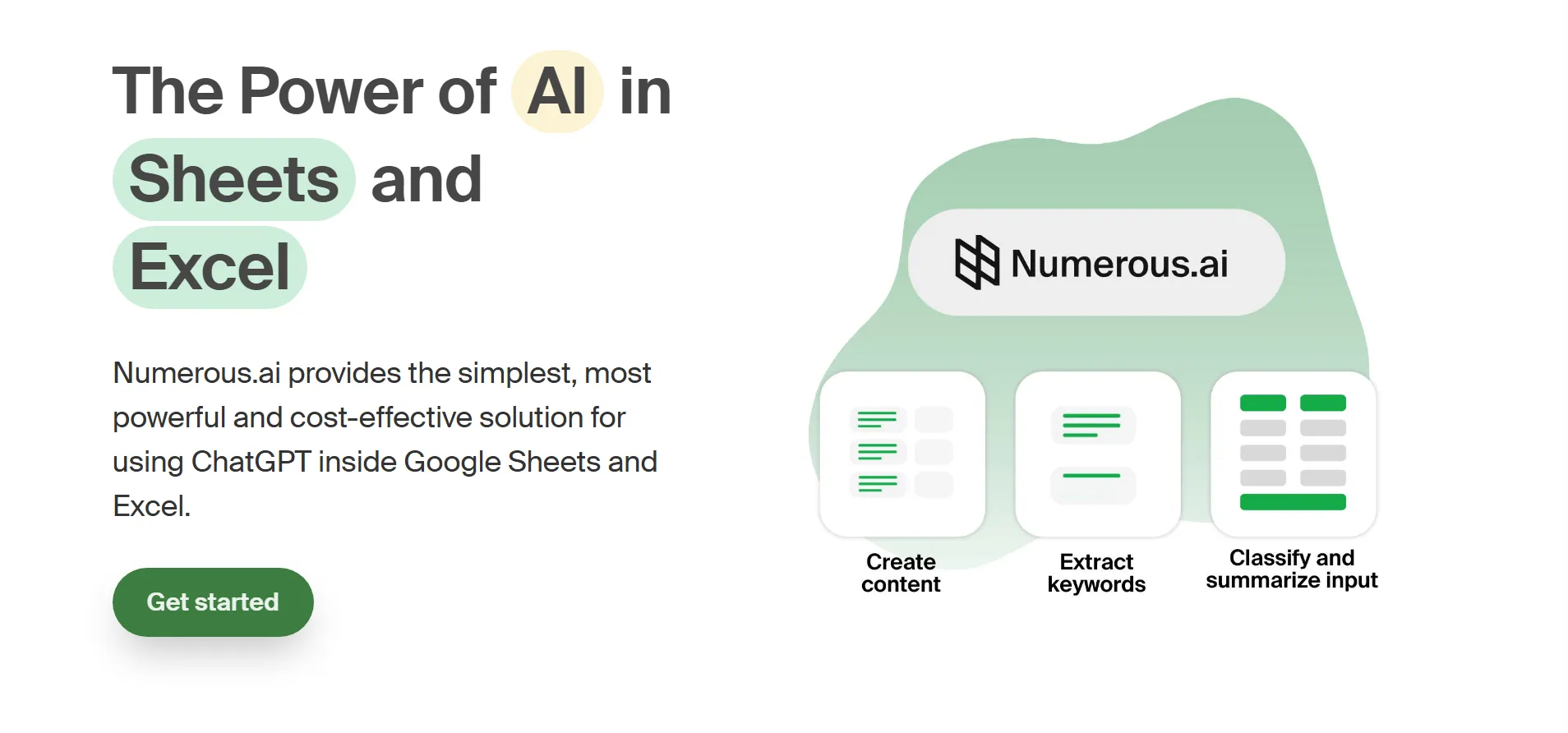
If you don’t want to leave your familiar Google Sheets or Excel environment, Numerous.ai is the gold standard for add-ons.
- How it combines: It uses an
=INFER()function. If you show the AI two examples of how you want data from Sheet A and Sheet B to merge, it will “learn” the pattern and do the rest for thousands of rows. - The Free Tier: It offers a free trial and a “Basic” free tier with limited tokens, which is usually enough for merging a few medium-sized spreadsheets.
- Best for: Power users who love their current spreadsheet setup but want “GPT-style” brainpower inside their cells.
4th. Sheetai.app
SheetAI is an add-on that brings the brain of OpenAI directly into your cells. This tool is built for those who want to “program” their sheets using plain English.
- How it combines: Use the
=SHEETAI_RANGEfunction. You can feed it two different ranges from different sheets and ask it to “merge these by matching the ‘User Name’ column and fill in missing ‘Address’ data.” - The Free Tier: It allows for a limited number of “AI runs” per month. It’s perfect for small-scale automation without leaving Google Sheets.
- Unique Feature: It can generate AI images directly in your cells (handy for product catalogs!).

5th. FormulaBot
While it started as a simple formula generator, FormulaBot has evolved into a full data-analysis platform.
- How it combines: It features a “Data Preparation” tool. You can upload multiple files, and its AI-driven “Merge Sources” feature suggests the best way to join them based on column similarity.
- The Free Tier: They offer a “Starter” plan with a set number of free monthly requests for formula generation and basic data tasks.
- Unique Feature: It can convert instructions into SQL queries if you ever need to move your merged data into a database.
6th. Microsoft Copilot
If you are an Office 365 user, Copilot is the “built-in” solution. Note that while Excel has a free web version, this AI tool usually requires a specific subscription.
- How it combines: Copilot can help you “Bring in data from another table.” It uses a feature called Agent Mode to analyze your workbook and suggest relationships between disparate tables in your spreadsheet.
- The “Free” Angle: While Copilot itself is a premium feature, the “Analyze Data” button in the free version of Excel Web uses basic AI to help you identify patterns and merge data ideas.

7th. Julius AI
The tool Julius isn’t just a spreadsheet; it’s an AI tool that talks to your sheet.
- How it combines: You upload your files to the Julius chat. You then say, “I have three sales sheets from different regions. Merge them into one, standardize the currency to USD, and remove any duplicate entries.”
- The Free Tier: Julius provides a “Limited” plan that gives you 15 messages/month. This is great for a complex monthly merge that you don’t want to do manually.
- Unique Feature: It generates Python code in the background to do the work, so you can actually see the logic it uses to merge your data.

8th Tool. Ajelix
The Ajelix tool offers a suite of 15+ AI tools specifically for Excel and Google Sheets users.
- How it combines: Their “Data Transformation” tool is designed to clean and merge messy datasets. It identifies inconsistencies (like “St.” vs “Street”) before the merge happens.
- The Free Tier: Ajelix offers a “Freemium” model where you get access to basic formula generation and small file transformations.

9th. Duet AI
This is Google’s answer to Copilot, and it is deeply integrated into Google Sheets.
- How it combines: It uses the “Help me organize” feature. If you have data scattered across different tabs, you can ask Gemini to “create a master tracker combining the feedback from all tabs.”
- The Free Tier: Google often offers a 30-day trial of Workspace AI features, allowing you to run major merging projects for free during that period.
10th Tool. Quadratic
Quadratic is a “next-gen” spreadsheet that combines a grid with a coding environment (Python/SQL).
- How it combines: It’s built on an “infinite canvas,” and you can pull in data from a CSV and a SQL database onto the same screen. You then use its AI to write a small Python script (without needing to be a coder) to join them.
- The Free Tier: Quadratic is highly generous to individuals, offering most of its core “infinite canvas” and AI features for free.
- Best for: Developers or data-heavy users who find standard Excel grids too restrictive.

2d Vtuber Model AI Generator-Unleash Your Virtual Persona
View Other Blogs Also!
Quick Comparison of the Best AI Spreadsheet Tool For Combining Sheets and Numbers
| Name | Users | Plans |
|---|---|---|
| Rows.ai | Live Data Integration | 10k integration tasks/month (Best Free). |
| Quadratic | Coding & Infinite Grid | Highly generous free tier for individuals. |
| Numerous.ai | Fuzzy” Logic Expert | Token-based free trial (Great for testing). |
| Google Duet AI | Google Ecosystem Flow | Free trial for specific workspace users |
| Ajelix | Efficiency & VBA Help | Freemium (basic features/small files) |
| Julius AI | Conversational Analysis Chat Interface | ~15 messages/month for free. |
| MS Copilot | Enterprise Security | Often requires 365 license (Trial available). |
| FormulaBot | Text-to-Formula Master | Limited monthly formula requests. |
| SheetAI.app | Bulk Task Automation | Often requires a 365 license (Trial available). |
| Excelmatic | Best for Non-Technical Users. | Excelmatic typically offers a generous free plan. |
More Quick Comparison For Best AI Spreadsheet Tools
| If you want… | Use this Tool |
| The easiest “Chat” experience | Excelmatic |
| To stay in Google Sheets | Numerous.ai or SheetAI.app |
| To handle massive data sets | Quadratic or Gigasheet |
| Deep Microsoft Integration | MS Copilot |
| To automate live web data | Rows.ai |
Why Use AI to Combine Sheets?
Fuzzy Matching: AI recognizes that “Apple Inc” and “Apple” are the same entity.
Schema Alignment: It automatically detects that “Client” and “Customer” columns should be merged.
Error Correction: AI spots duplicates and formatting errors (like mixed date formats) that a VLOOKUP would miss.
Ready to Level Up Your Digital Presence?
Finding the right tools can certainly transform your business efficiency. But beyond that, your digital presence is what truly defines your success.
Because I believe in the power of great tech, I don’t just write about these tools—I build the platforms that house them. Specifically, if you are looking for a modern, user-friendly website designed to convert, I have the expertise to make it happen. From custom-coded solutions to advanced AI integrations, we can craft a digital experience that stands out.
Consequently, your search for a developer ends here. Reach out to me, and let’s create something amazing together!
10 Best AI tools for automating data analysis in spreadsheets are:
1. Rows.ai
2. Numerous.ai
3. Sheetai
4. Excelmatic
Read the blog for more tools.
Best AI tools for Spreadsheet Analysis and Combining the sheets.
10 Best AI tools for automating data analysis in spreadsheets are:
1. Rows.ai
2. Numerous.ai
3. Sheetai
4. Excelmatic
Read the blog for more tools.


