


I am working with the cursor tool, then all of a sudden, I open the VS Code editor and realize that my GitHub Copilot is working in my code editor. A question pops up in my mind: which is better, Cursor AI vs GitHub Copilot?
As a full-stack developer, I am currently expanding my expertise in the field of AI and machine learning. Moreover, the year 2026 has solidified one thing for me: AI isn’t just an “add-on” anymore; rather, it’s becoming the core of the development lifecycle. Am I right or wrong? Please share your thoughts in the comments section!
Now, without wasting anymore time lets get to the point: Cursor AI vs GitHub Copilot. The two heavyweight lifters in the arena. While they share similar brains (often using the GPT or Claude). So, stick to the last, and I will give a brief guide about which tool deserves a spot in your 2026 workflow.

Claude Vs Chatgpt Vs Gemini: Complete Comparison 2026
Please Read More Blogs From My Site.
AI Extension Vs Ecosystem
The most basic difference is that these tools live in your machine if you are a developer. Now I am gonna tell you two types of approaches to these two.
Companion Approach
GitHub Copilot is built in as an extension in your Visual Studio Code, JetBrains (IntelliJ, PyCharm, WebStorm), and even Neovim. Now lets discuss the pros and cons of this approach.
Pros: GitHub Copilot gives you the opportunity for your favourite setup, like themes, keybindings, and plugins stay exactly where they are.
Cons: Because it operates as a plugin, it is restricted by the host editor’s API. It can “see” your code, but it does not always gonna own the experience. You know what I am talking about if you have worked with GitHub Copilot.
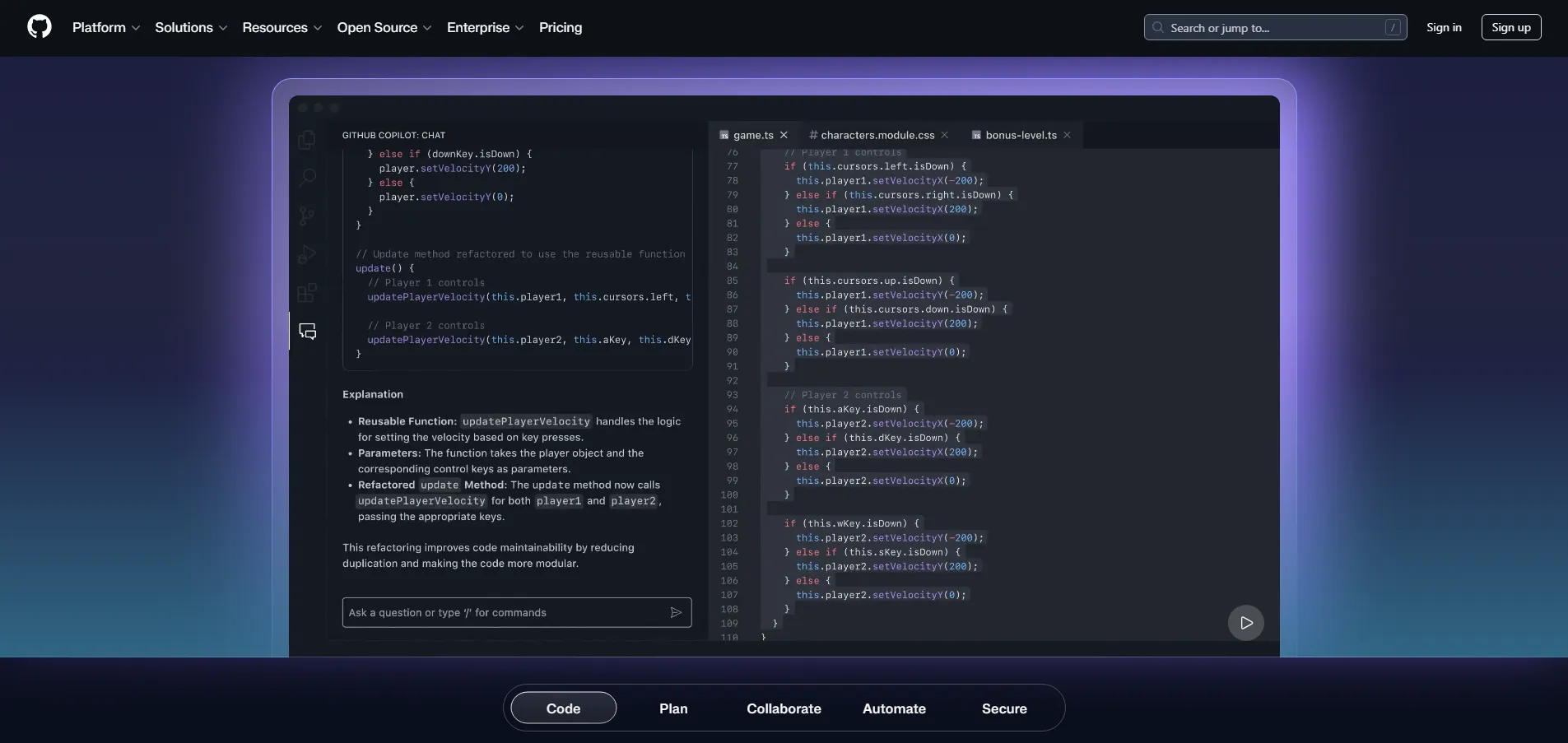
AI Native Approach
Cursor is a standalone enemy of VS Code. The developers have full control over the editor’s source code, which is why I said that Cursor is the worst enemy of the VS Code Editor. They have baked the AI into the UI itself.
Pros: It offers such features that a plugin cannot simply provide. Composer and Agent Mode are the monster’s modes.
Cons: It requires a “migration,” although it’s a one-click import from VS Code. You know what I mean, if you don’t comment on me, I shall tell you.
Full-Stack Development Context
Now the question is which one understands your project better and gives you amazing results. Full-stack development is not a single-file code, although it consists of tons of folders, like in Laravel. You have to jump between Users.ts model or users-table.sql migration, anyway, it’s a complex talk.
Cursor wins the battle of context decisively. It performs local indexing of your entire repo. When you ask about the specific authentication logic handle. Cursor does not just guess; it semantically searches your whole codebase to find the specific middleware and utility function.
Although the GitHub Copilot has made a massive step in 2026 with the “Copoilet Edits,” you know, extension is extension, it often feels more reactive, like focusing only on the files you have opened or recently touched.
Key Takeaway: For large and complex or legacy full-stack apps where you don’t know every corner of the codebase, Cursor is a lifesaver.
Little Tip: According to my senior, GitHub Copilot is not so good. What do you think?

What Matters in 2026
This year, we have moved from past simple autocompletions. Now we want AI to architect. In this field, let’s compare both of them.
Cursor’s Composer
You can hit Ctrl+I and type: “Add a Dark mode and toggle that persists in localstorage and updates the tailwind config.” The Cursor will then open 4-5 different files, write the React hook, update the navbar, and modify the CSS variables simultaneously.
Copilot Edits
GitHub recently introduced a similar multi-file editing mode. Although it often requires more manual “curation” and a more autonomous Agent style.
Model Flexibility
Cursor’s secret weapon is model switching. Full-stack developers often have different needs and different tools. Although they are the monsters that are dealing with large projects, they also need some partners.
Claude 3.5 Sonnet: This can be considered the king of coding logic and refactoring in 2026.
GPT-4o: Excellent for boilerplate and general explanations.
Gemini 1.5 Pro: Helpful for massive context windows.
Cursor recently added the composer 1.5 and let you toggle between these models on the fly. GitHub Copilot is primarily locked into the OpenAI/Microsoft ecosystem. Though it has started offering many things.
Quick Comparison
| Feature | GitHub Copilot | Cursor AI |
| Individual Price | ~$10/month | ~$20/month (Pro) |
| Free Tier | Limited trial | 2,000 completions/mo + 50 premium requests |
| Speed | Near-instant (200ms) | Fast, but “Agent” tasks can take seconds |
| IDE Support | VS Code, JetBrains, Neovim | VS Code only (fork) |
| Best For | Daily flow & snippets | Complex refactors & new features |

Pricing
The gap in pricing became stable in 2026. Price is often the deciding factor for freelancers and startups.
GitHub Copilot
~10$/month. It’s the bidget friendly powerhouse. If you are already paying for GitHub Pro, the integration is seamless.
Cursor Pro
~20$/month, it is twice the price, but if Cursor saves you just one hour of debugging per month, it has already paid for itself.

What Should You Use in 2026?
Now there are two scenarios in which I tell you when you should use Cursor and when you should use GitHub Copilot.
If you are working with the Large Monorepos, Large codebases, Heavy Refactoring, or one last point, you love VS Code extensions. Then you definitely should choose the cursor.
Now, if you are working with IDEs like JetBrains or Neovim, you want a stable experience, and you are on a budget, then you should definitely choose GitHub Copilot.
Hybrid Choice
It’s totally up to you, or on your budget. If you want, you can go with both of them. That’s all you need to know about the Cursor AI Vs GitHub Copilot. I don’t think you need to go anywhere now. In simple words, it is totally dependent on your budget and your codebase.
Faqs
In 2026, both have made significantly strong moves. Cursor introduced the “Composer 1.5” or GitHub Copilot ecosystems. It totally depends on your project requirements or your budget.


